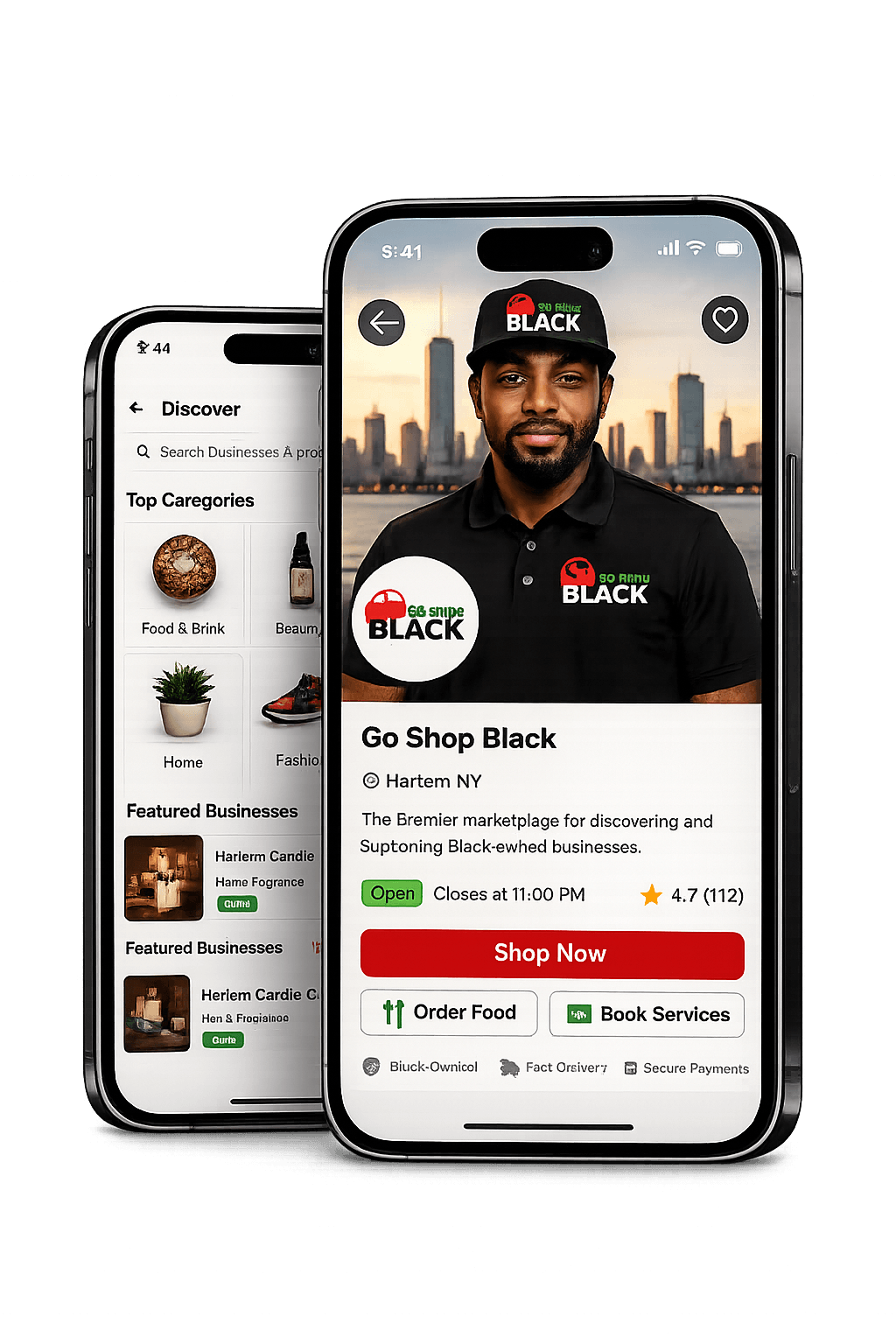
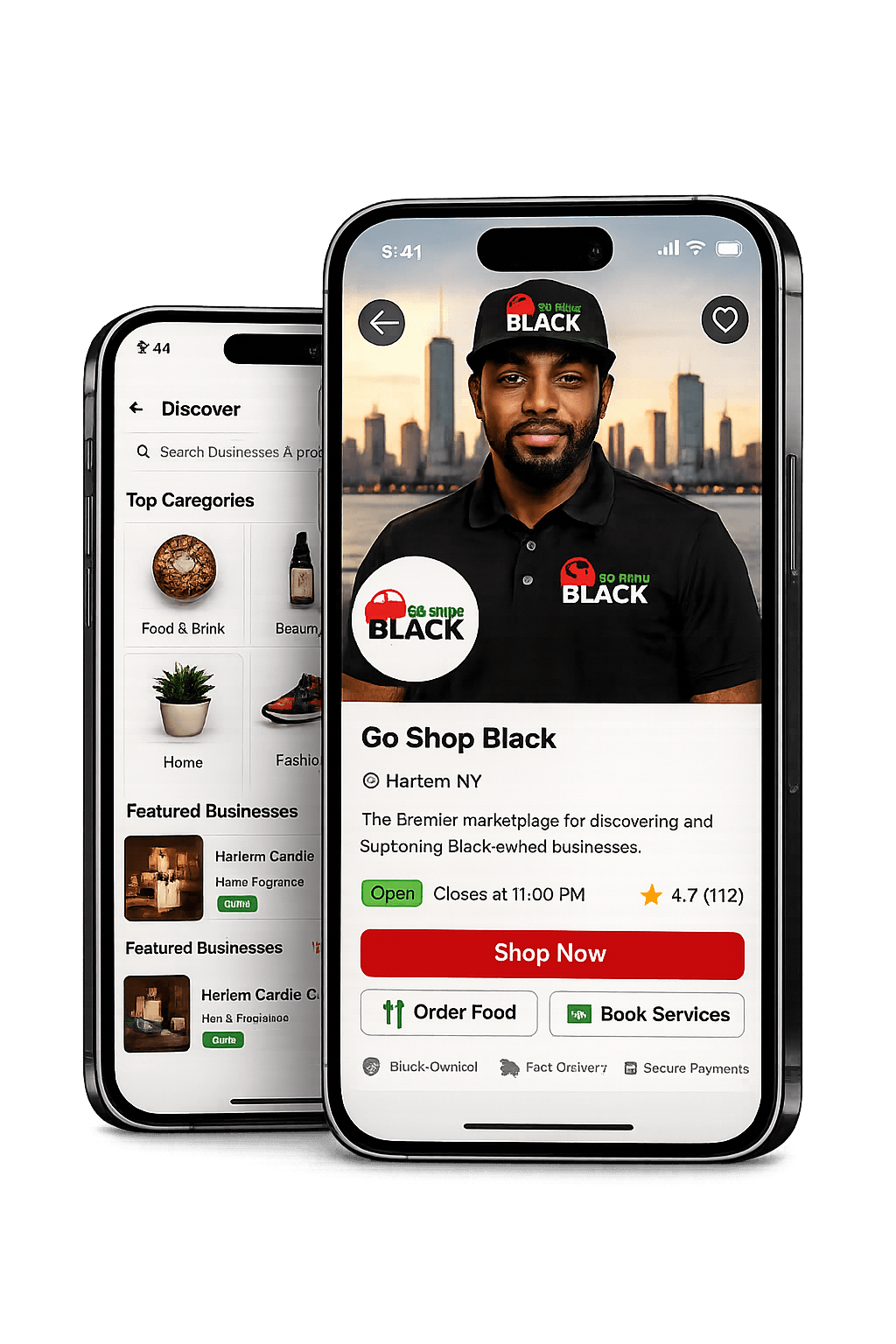

Help with shopping, orders, bookings, and your account.
Find the right next step quickly. Use the links below for common actions, then browse support topics and answers for the most common questions shoppers ask on GoShopBlack.
Your account
Manage sign-in details, communication preferences, saved items, and personal settings.
Orders
Review purchases, service bookings, scheduled pickups, and delivery or pickup progress.
Selling on GoShopBlack
Start a business application or head to the seller portal if you already sell with us.
Support tickets
Open a tracked support ticket for orders, refunds, listings, payments, account issues, or general help.
Support topics
These cover the main areas shoppers and customers ask about most.
Shopping on the marketplace
Browse products, services, restaurants, and local businesses from the search and category pages.
- Use the search page filters to narrow by products, services, food, local results, and more.
- Product pages show availability, fulfillment details, and business contact actions when supported.
- Favorites and saved businesses help you come back to listings later.
Orders, bookings, and pickups
Track physical orders, appointment bookings, and restaurant pickups from your order history.
- Service bookings display scheduled time, policy summaries, and current booking status.
- Scheduled pickup orders show the selected pickup window on the order details page.
- If a booking or pickup can no longer be changed in-app, message the business directly for help.
Trust, safety, and account access
Use secure account tools and reach support if something looks wrong with your profile or activity.
- Keep your email and password current from your account settings.
- Review notification and communication preferences inside Settings.
- Contact support if you see account access problems or suspicious activity.
Contact support
For account issues, order help, or marketplace questions, open a ticket so support can track replies, evidence, and resolution.
Open support ticketQuestions for a business?
Availability, product-specific details, order changes, and post-cutoff booking help are usually handled by the business directly.
Use the message action on the product, business, or order details page whenever it is available.
Common questions
How do I contact a business about an order or service?
Use the message button from the product page, business page, or your order details when available. For booking-specific issues after the self-service cutoff, contacting the business directly is the fastest path.
Where can I view my order history?
Go to Orders from the marketplace header or help links. Your order history includes physical purchases, service bookings, and restaurant pickup orders tied to your account.
How do cancellations and rescheduling work for services?
Each business sets its own structured booking policy. The order detail page shows whether cancellation or rescheduling is still allowed and explains when you need to contact the business instead.
Can I claim a business from the help page?
No. Claiming a business is done directly from the business listing or product/business detail pages when the listing is eligible for claims.